Standard Guitar
Professional tuner for guitar with standard tuning (E-A-D-G-B-E). Connect your microphone and click "Start Tuning" to begin.
How to use the online tuner?
Follow these simple steps to tune your instrument accurately:
1. Select your instrument
Choose the instrument you want to tune from the list at the top. We have settings for guitar, bass, ukulele, violin, and more.
2. Allow microphone access
When you click "Start Tuning", the browser will ask for permission to access your microphone. Allow it so the tuner can hear the notes.
3. Play a string or note
Play the string or note you want to tune. The tuner will detect the frequency and show you if it's too high, too low, or correctly tuned.
4. Adjust according to the indications
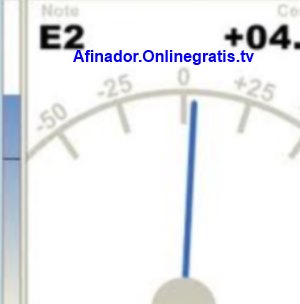
Watch the tuner needle: if it moves to the left, the note is flat; if it moves to the right, it's sharp. Adjust until the needle is centered.
Standard tuning by instrument
Guitar (Standard)
E2 (82.41 Hz) - A2 (110 Hz) - D3 (146.83 Hz) - G3 (196 Hz) - B3 (246.94 Hz) - E4 (329.63 Hz)
Bass (Standard)
E1 (41.20 Hz) - A1 (55 Hz) - D2 (73.42 Hz) - G2 (98 Hz)
Ukulele (Soprano)
G4 (392 Hz) - C4 (261.63 Hz) - E4 (329.63 Hz) - A4 (440 Hz)
Violin
G3 (196 Hz) - D4 (293.66 Hz) - A4 (440 Hz) - E5 (659.25 Hz)